Wonder Apps Logo
Wonder Apps
Wonder Rec iOS app icon - Screen Recorder for tutorials, gameplay, and professional capture

Wonder Rec - Screen Recorder

Studio-quality screen recording, floating controls, and pro editing on your iPhone and iPad

★★★★★ 4.8 (1,563 reviews)
1.2M+ downloads
Utilities

About This App

Transform your iPhone or iPad into a professional recording studio with Wonder Rec—the most comprehensive screen recording solution designed for creators, educators, gamers, and professionals. Whether you are creating tutorials, recording gameplay, hosting virtual meetings, or preserving digital memories, Wonder Rec delivers studio-quality results in your pocket.

Take control with professional-grade resolution and frame rates, a smart floating recorder you can start and stop without leaving your workflow, military-grade encryption for sensitive clips, a full editing suite with effects and multi-track timeline, and one-tap sharing tuned for YouTube, TikTok, Instagram, and the cloud.
Key Features

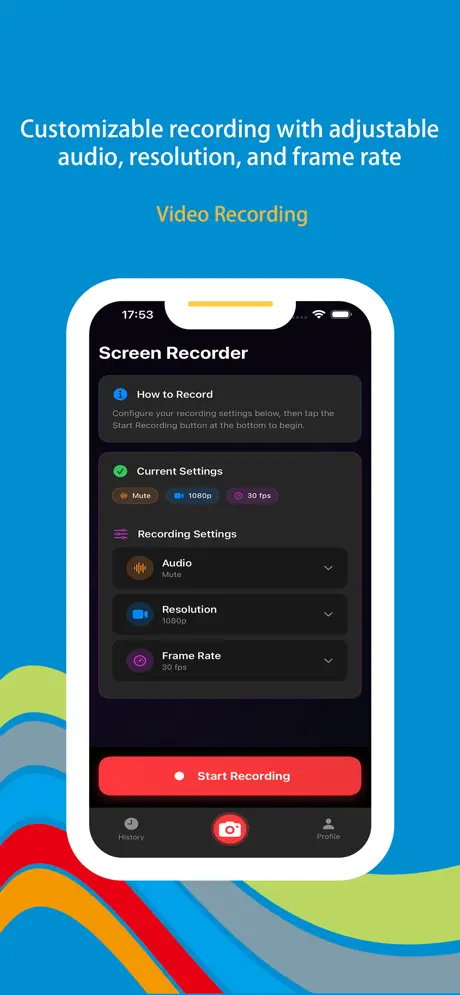
Professional-Grade Recording

Fine-tune stereo or mono audio, 720p to 4K resolution, 24–60 fps, and bitrate so every tutorial, meeting, or gameplay clip looks exactly how you intend.

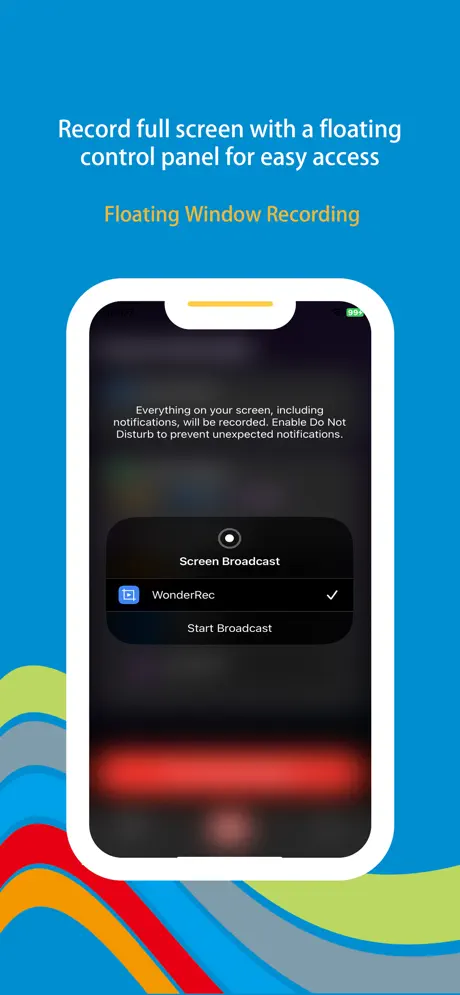
Smart Floating Recorder

A tiny control bubble stays above your apps—gesture-friendly start/stop, real-time duration, and minimal footprint so you never miss the moment.

Fort Knox Security

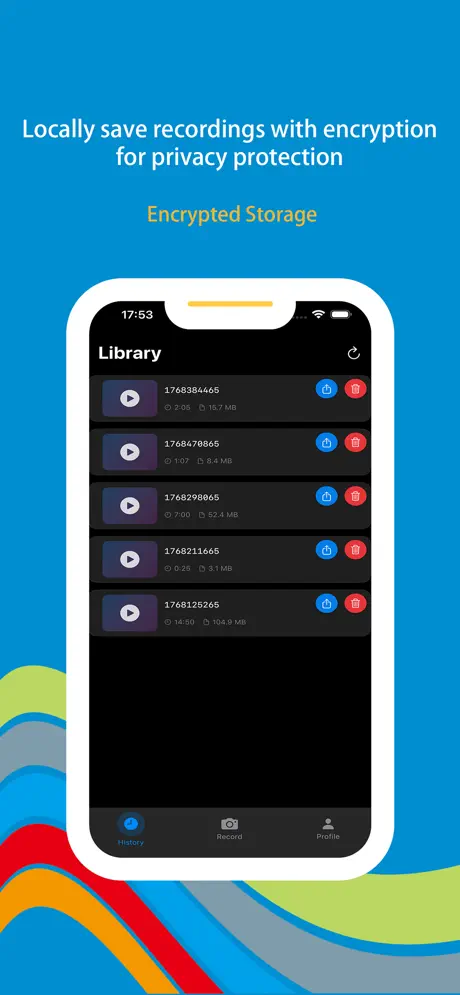
AES-256 encryption, Face ID or Touch ID, and a private vault keep sensitive recordings off-limits—with smart cleanup to save space.

Hollywood-Level Editing

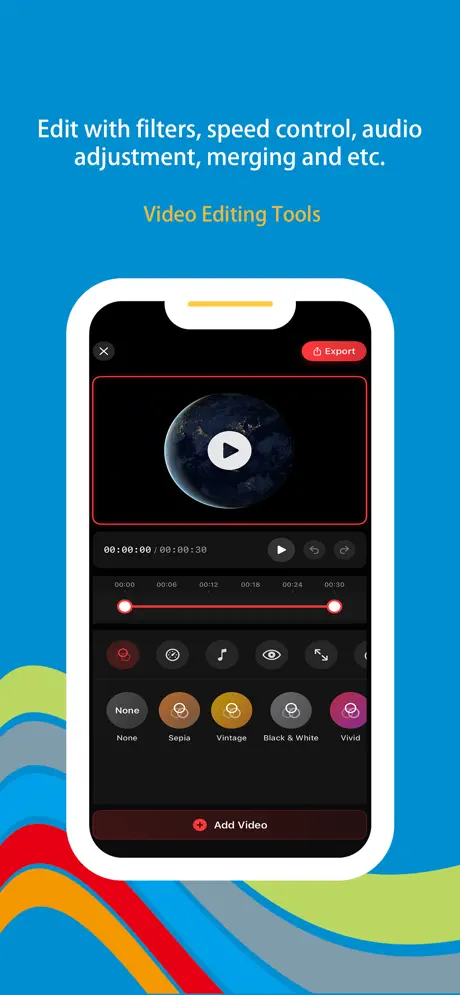
Filters, color grading, speed ramps, PiP, transitions, text overlays, multi-track audio, and a timeline workflow for polished exports.

One-Tap Sharing

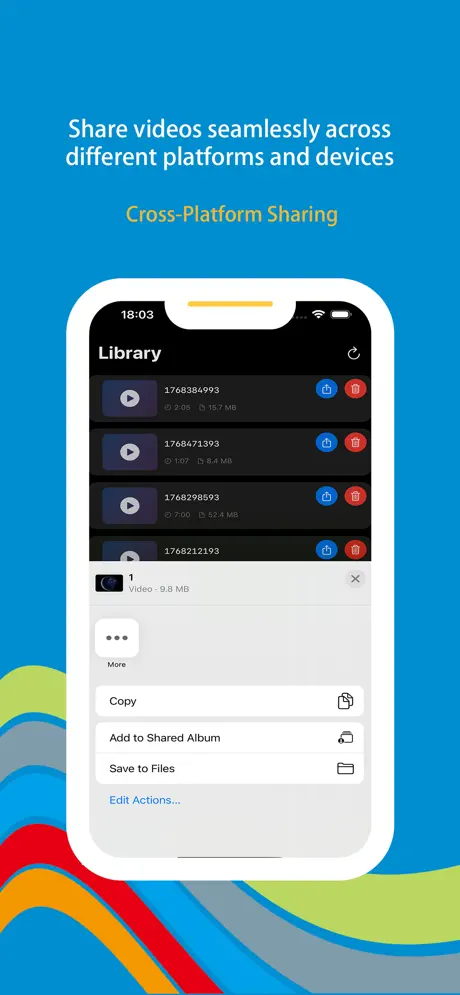
Exports optimized for YouTube, TikTok, and Instagram, plus iCloud, Drive, Dropbox sync, QR sharing, and collaboration-friendly handoff.

Premium Creators’ Toolkit

No watermark, unlimited duration, background audio, presets, scheduling, live streaming hooks, green screen, voiceover booth, and 4K export when you need maximum clarity.

Wonder Rec iOS app screenshot - screen recording main interface and capture controls
Wonder Rec screenshot 1 - Recording dashboard and quality settings
Wonder Rec screenshot 2 - Floating recorder bubble and gesture controls
Wonder Rec screenshot 3 - Encrypted private vault and biometric lock
Wonder Rec screenshot 4 - Video editor timeline, filters, and speed controls
Wonder Rec screenshot 5 - Share to social and cloud export options

App Information

  • Version 3.2.1
  • Size 45.8 MB
  • Category Utilities
  • Compatibility iOS 15.0+
  • Languages 12 Languages
  • Age Rating 4+

Ratings & Reviews

See what users are saying about Wonder Rec

4.8
★★★★★
Based on 1,563 reviews
5
85%
4
10%
3
3%
2
1%
1
1%
NP
Nina Park
3 days ago
★★★★★

Floating recorder is a game changer

I teach software classes on Zoom and finally found a recorder that does not make me hunt through Control Center mid-demo. The bubble stays out of the way, 1080p60 looks crisp, and I can trim dead air in the same app before uploading to our LMS. My students noticed the quality jump immediately. With 1.2M+ downloads and 1,563 App Store reviews I expected maturity—and crash-free captures week after week.

JR
Jordan Reyes
1 week ago
★★★★★

4K gameplay clips without the watermark tax

Most free recorders slap a logo on everything. Wonder Rec keeps my competitive clips clean for TikTok, and the bitrate controls stop my storage from exploding. Face ID on the vault folder means confidential beta footage stays on my phone only—exactly what I needed. That install base (~1.2M) matches how polished bitrate presets feel.

SL
Sam Liu
2 weeks ago
★★★★★

Editing suite replaced two other apps

Picture-in-picture for webcam plus screen, speed ramps for recap segments, and direct export presets for YouTube Shorts saved me from juggling separate editors. QR share for quick client reviews was an unexpected plus for my agency workflow. Glad people documented their runs—1,563 ratings lined up with what I needed from a pro recorder.

Scan to Download

Wonder Rec iOS app download QR code - Scan to download screen recorder from App Store

Scan this QR code with your device to download the app