Wonder Apps Logo
Wonder Apps
Wonder Prompt iOS app icon - AI teleprompter and smart prompt companion

Wonder Prompt - Teleprompter

AI-powered prompts, floating overlays, and pro teleprompter modes for confident speaking

★★★★★ 4.8 (2,783 reviews)
1.4M+ downloads
Productivity

About This App

Wonder Prompt is a smart prompt companion for content creators, speakers, live streamers, and anyone who needs ideas organized on the fly. It blends artificial intelligence with an intuitive interface so you can move smoothly from inspiration to delivery—whether you are scripting a video, rehearsing a keynote, or hosting a broadcast.

Generate or refine scripts from keywords, pull text from photos for instant editing, float prompts above other apps or pair with split-screen workflows, then step into full-screen mirror teleprompter mode with adaptive scroll speed and gesture control tuned to how you actually speak.
Key Features

Intelligent Inspiration Engine

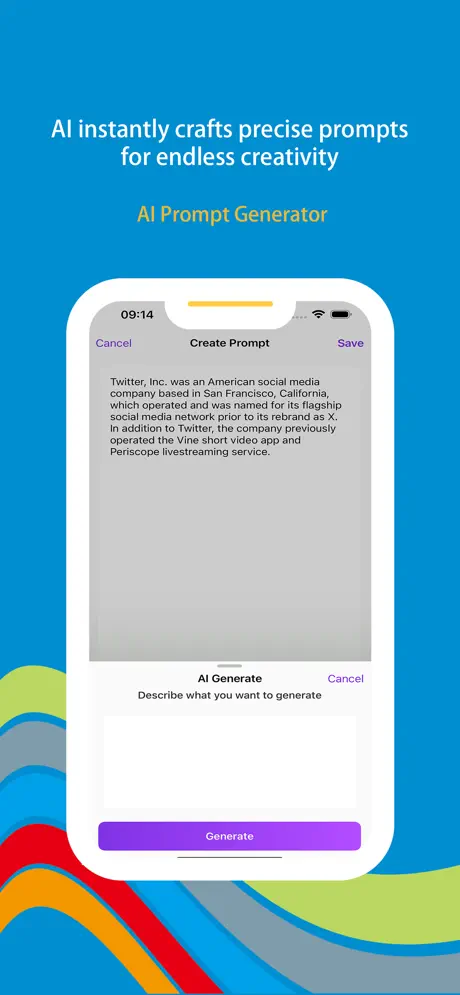
Turn keywords into structured prompts and outlines, then expand or reorganize copy when you are stuck—built for creative breakthroughs under deadline.

Visual Inspiration Capture

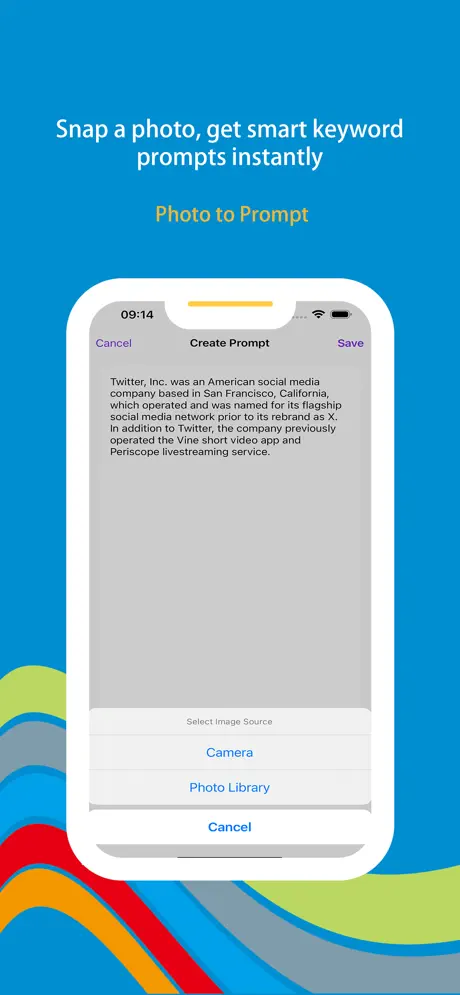
Extract text from photos in real time and drop it straight into editable prompts—perfect for whiteboards, printed briefs, or slide snippets.

Multi-Scene Display

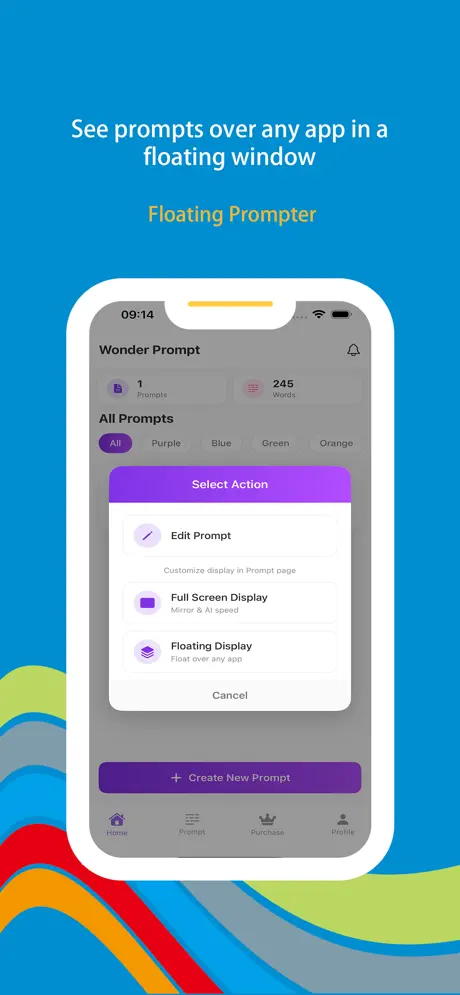
Transparent floating prompts sit above other apps, while split-screen mode pairs cleanly with notes, editors, or video tools for multitasking sessions.

Professional Teleprompter

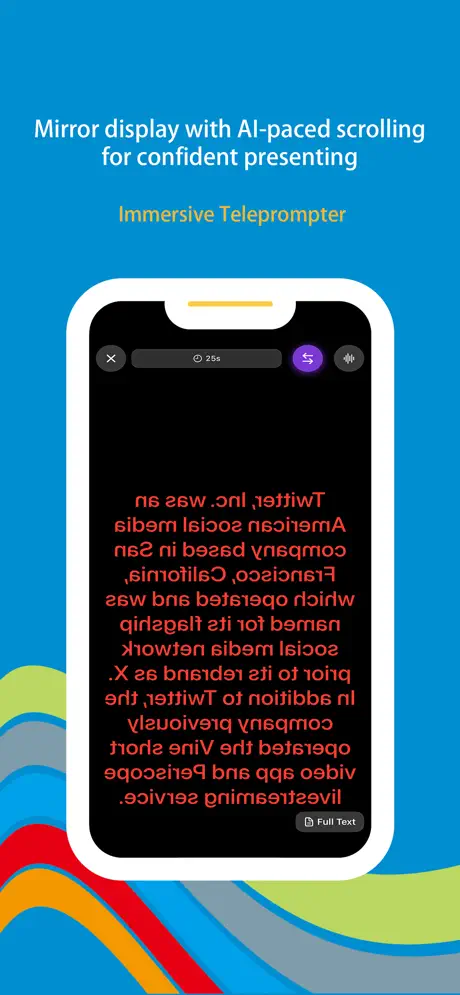
Full-screen mirror mode for natural eye contact, AI-assisted scroll speed matched to your rhythm, and gestures to pause, speed up, or rewind on stage.

Personalized Display

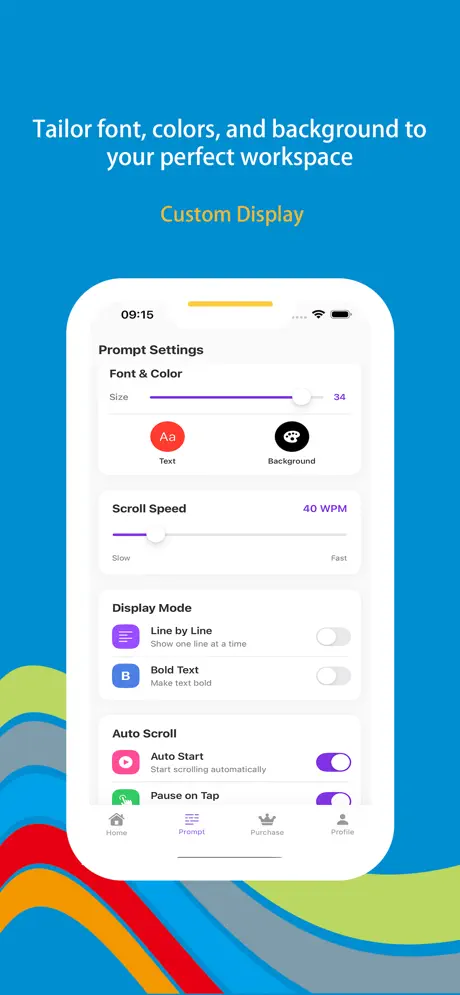
Fine-tune fonts, sizes, palettes, scroll pacing, and paragraph pauses—plus one-tap presets for presenting, recording, streaming, or casual reading.

Built for Every Role

From creators and streamers to executives and educators—prepare remarks, organize live topics, and ship polished talks without switching apps.

Wonder Prompt iOS app screenshot - teleprompter and AI prompt workspace
Wonder Prompt screenshot 1 - AI inspiration engine and keyword to outline flow
Wonder Prompt screenshot 2 - Extract text from photos into editable prompts
Wonder Prompt screenshot 3 - Floating prompt overlay above other apps
Wonder Prompt screenshot 4 - Full-screen mirror teleprompter with scroll controls
Wonder Prompt screenshot 5 - Typography, themes, and scenario presets

App Information

  • Version 3.2.1
  • Size 45.8 MB
  • Category Productivity
  • Compatibility iOS 15.0+
  • Languages 12 Languages
  • Age Rating 4+

Ratings & Reviews

See what users are saying about Wonder Prompt

4.8
★★★★★
Based on 2,783 reviews
5
85%
4
10%
3
3%
2
1%
1
1%
RW
Riley Wu
3 days ago
★★★★★

Mirror mode saved my panel talk

I used to read off my laptop and look shifty on camera. Full-screen mirror + gesture pause let me hold eye contact with the lens while the script tracked my actual speaking speed—first teleprompter that did not feel like a race. With 1.4M+ downloads and 2,783 reviews I expected polish, and updates have stayed steady.

TF
Taylor Frost
1 week ago
★★★★★

Floating prompts while I edit in CapCut

The overlay sits above my timeline so I can voice a rough cut and tweak captions without bouncing between six apps. Photo-to-text pulled bullets off a whiteboard photo from our writers’ room in seconds. That user volume (~2.8K ratings / 2,783) matches what I’m seeing—feature-rich without feeling abandoned.

EB
Elena Brooks
2 weeks ago
★★★★★

From bullet list to keynote overnight

Dropped in five messy keywords and got a structured outline I could rehearse immediately. Presets for “presentation” vs “live stream” swap margins and font size fast—huge for switching between classroom lectures and Twitch nights. Glad the App Store crowd documented it—2,783 reviews lined up with my experience.

Scan to Download

Wonder Prompt iOS app download QR code - Scan to download from App Store

Scan this QR code with your device to download the app