
Wonder Apps Logo
Wonder Apps
Wonder Snap iOS app icon — ID and passport photo maker

Wonder Snap - ID Picture Maker

Studio-grade ID and passport shots from your iPhone—official templates, AI backgrounds, virtual formal wear, and print-ready crops in about three minutes

★★★★★ 4.8 (2,475 reviews)
1.4M+ downloads
Utilities

About This App

Wonder Snap targets the last-minute visa form, school enrollment packet, or job portal upload—without booking a studio or fighting harsh bathroom lighting. AI tuning keeps skin tones natural across adults and kids while layouts stay aligned with common official specs.

Pick a template, swap the backdrop to compliant solids or custom colors, add a crisp virtual shirt or suit when you need formality, then crop to the exact dimensions your authority asks for. Finished shots live in an encrypted history so you can re-export or tweak without starting over.
Key Features

Naturally polished for everyone

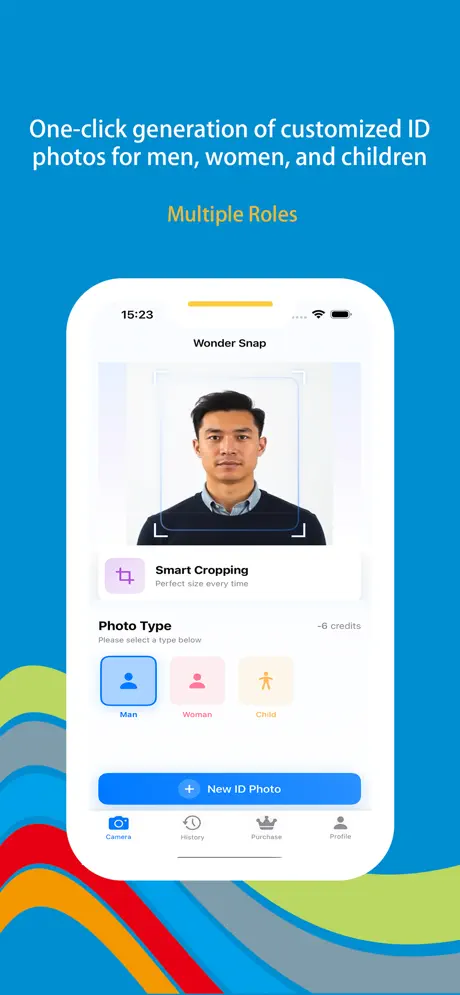
Tuned portraits for different ages and looks—natural skin, balanced lighting, and flattering framing whether it’s a passport for dad, a visa shot for mom, or a school photo for your child.

Official specification templates

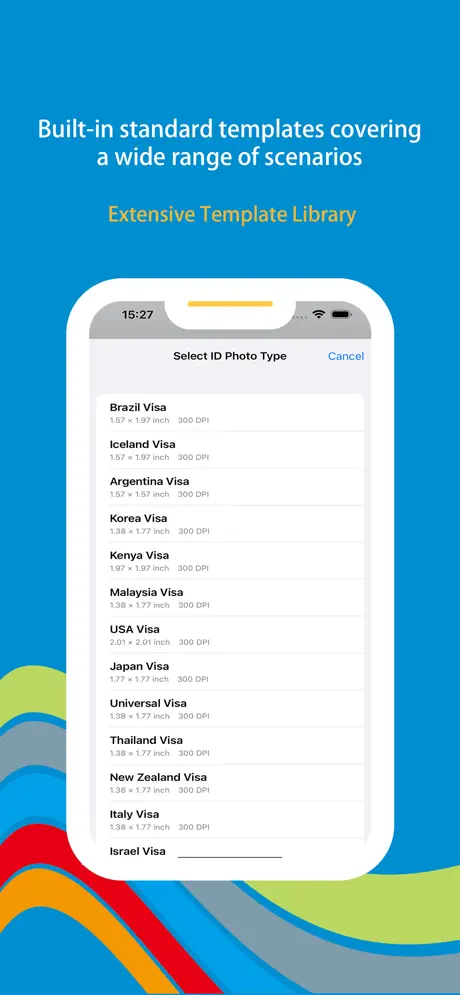
Hundreds of global layouts for ID cards, passports, visas, exam registrations, and common print sizes—pick once and stay aligned with the measuring rules your issuer expects.

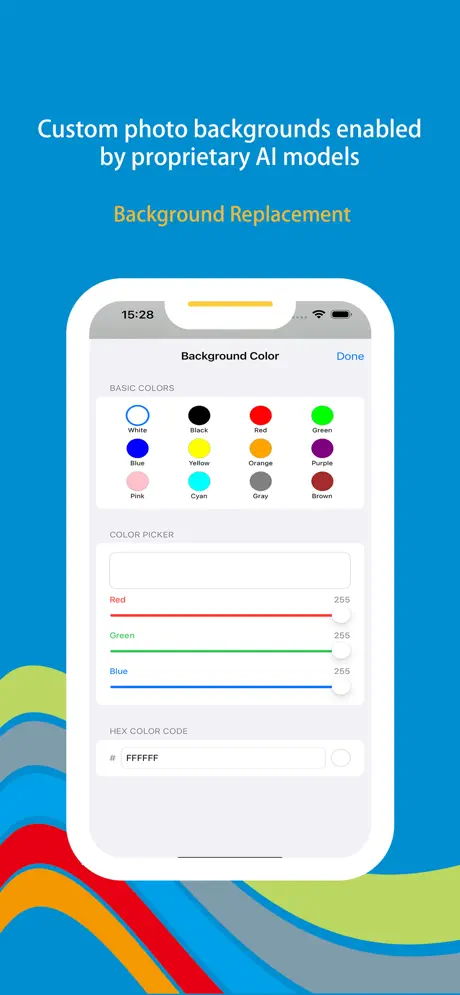
AI background replacement

Swap messy walls for compliant solid colors—classic red, white, blue—or any custom tone; refined edge handling keeps hairlines clean so prints look studio-shot.

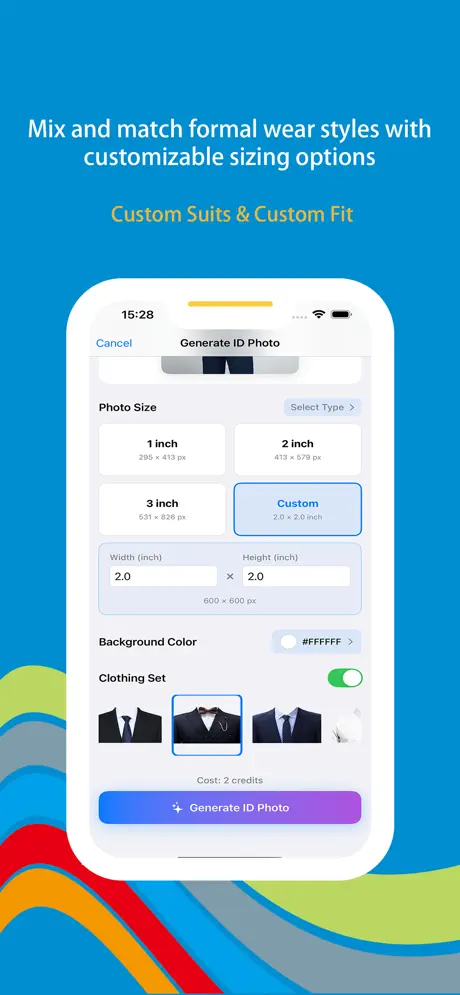
Virtual attire & precise crops

Layer crisp shirts and suits when dress codes demand it, then dial custom width-height crops for niche forms—no wardrobe panic before the shutter fires.

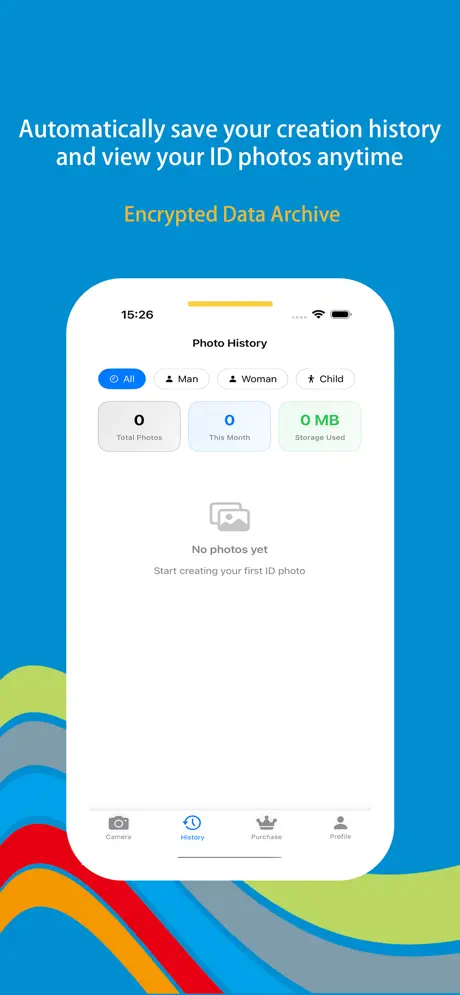
Encrypted personal history

Every export lands in your private gallery—re-open, tweak lighting or backgrounds, or download again without digging through camera rolls or losing the “good” take.

Local processing & privacy

Portrait work stays on-device so biometric-quality crops aren’t shipped to random clouds—fast retouching with peace of mind when documents matter.

Wonder Snap iOS screenshot — ID photo capture and preview
Wonder Snap screenshot 1 — capture or home flow
Wonder Snap screenshot 2 — template or size selection
Wonder Snap screenshot 3 — background or retouch
Wonder Snap screenshot 4 — attire or crop tools
Wonder Snap screenshot 5 — export or history

App Information

  • Version 3.2.1
  • Size 45.8 MB
  • Category Utilities
  • Compatibility iOS 15.0+
  • Languages English
  • Age Rating 4+

Ratings & Reviews

See what users are saying about Wonder Snap

4.8
★★★★★
Based on 2,475 reviews
5
85%
4
10%
3
3%
2
1%
1
1%
DM
Daniel Moore
3 days ago
★★★★★

Visa photo panic—solved at midnight

Embassy deadline tomorrow and my DIY shot had the wrong background. Wonder Snap’s template matched the millimeter rules and the AI swap to flat white passed first submission. With roughly 2,400+ reviews on the store I figured others had stress-tested it—and the encrypted history meant I could tweak brightness without reshooting from scratch.

OG
Olivia Green
1 week ago
★★★★★

School enrollment photos without tears

Needed a standardized kid portrait for registration and didn’t want mall-studio prices. The app kept skin tones natural and the virtual shirt looked believable on camera day. Seeing 1.4M+ downloads made me less nervous about it being a fly-by-night editor—saved versions in history let me export another crop when the district portal asked for a different ratio.

KZ
Kevin Zhang
2 weeks ago
★★★★★

Hairline cutouts that don’t look fake

I compared three ID apps—Wonder Snap had the cleanest edges around flyaways after background replacement. Local processing matters to me for biometric-style crops. Nice to see the App Store listing reflect real traction (2,475 reviews and counting); the custom dimension tool alone paid for itself on a fellowship portal that rejected my first upload.

Scan to Download

QR code to download Wonder Snap — ID Picture Maker from the App Store

Scan this QR code with your device to download the app