Wonder Apps Logo
Wonder Apps
Wonder PDF iOS app icon - Powerful PDF converter for converting documents, webpages, and images to PDF

Wonder PDF - PDF Converter

A powerful PDF converter combining multiple file format conversions

★★★★★ 4.7 (loading...)
loading...
Productivity

About This App

Wonder PDF is a powerful application designed specifically for iOS devices, combining multiple file format conversions, web and text conversion, image processing, and convenient sharing features into one comprehensive solution.

Whether you're handling daily office files, editing academic materials, or organizing travel photos, Wonder PDF makes format conversion effortless. Convert documents, presentations, spreadsheets, webpages, and images to PDF with perfect preservation of layout, structure, and content—ensuring compatibility and stability across different devices and platforms.
Key Features

Office Document Conversion

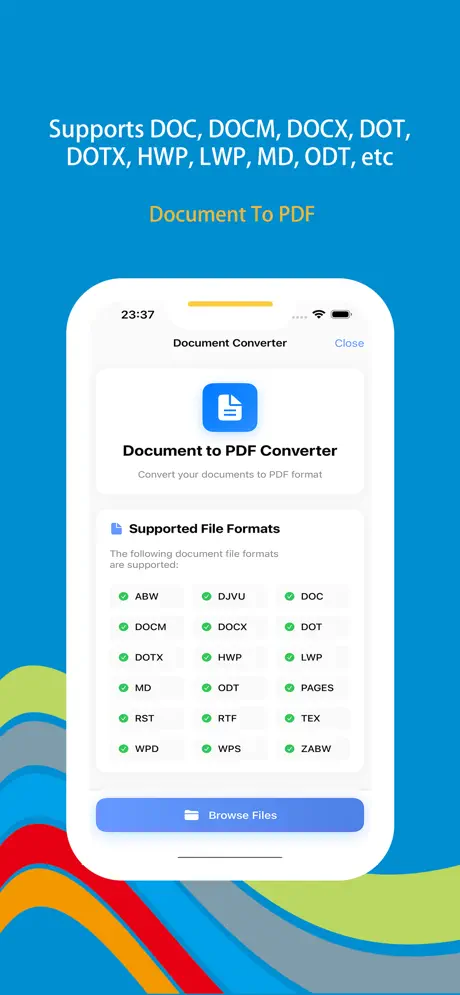
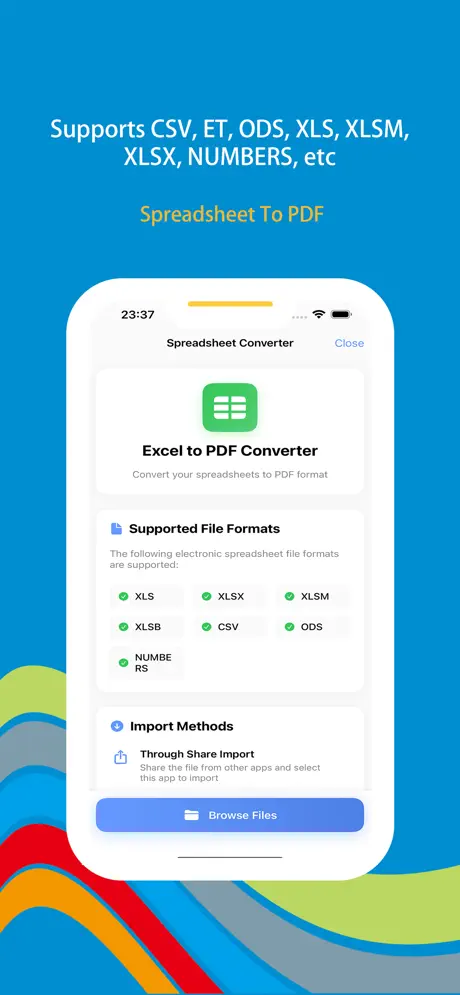
Convert DOC, DOCX, XLS, XLSX, PPT, PPTX and more to PDF. Perfect preservation of table structures, formatting, and data content for seamless viewing and archiving.

Webpage to PDF

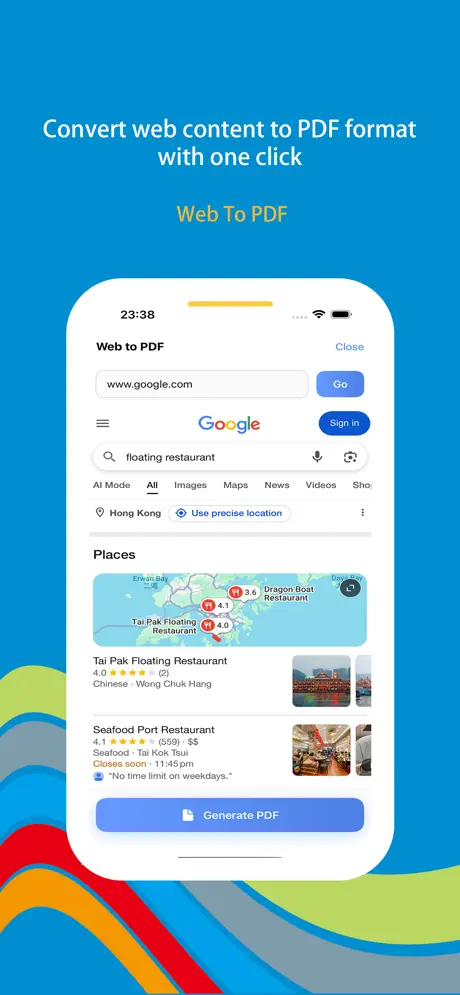
One-click conversion of entire webpages to PDF, preserving layout, images, and text. Never worry about broken links or lost content—view offline anytime, anywhere.

Image to PDF

Convert local image files or photos taken directly into PDFs. Merge multiple images into a single PDF file for easy organization and sharing of photo materials.

Multiple Sharing Channels

Share generated PDFs via email, social media, instant messaging tools, and more for swift information exchange. Flexible file import from other apps or local file system.

Custom Text Conversion

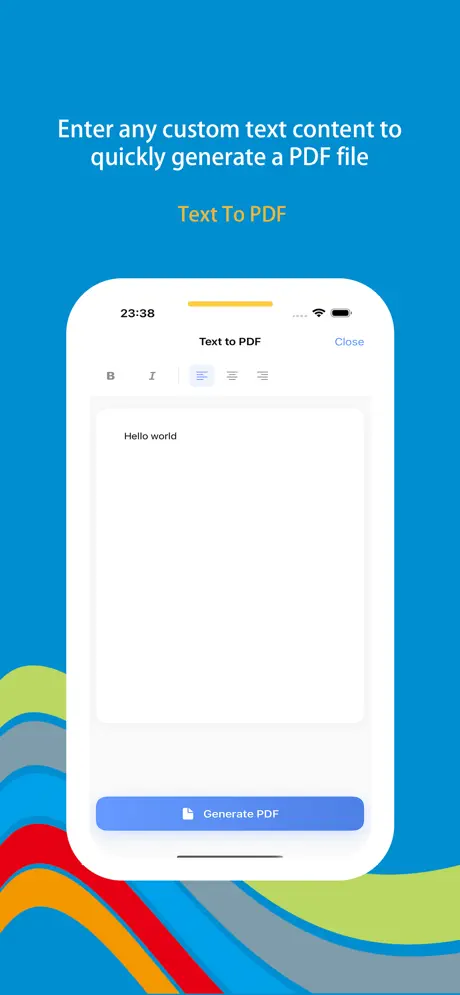
Input custom text directly within the software to generate PDFs instantly. Perfect for jotting down ideas, taking notes, or creating simple documents with personalized formatting.

Presentation Preservation

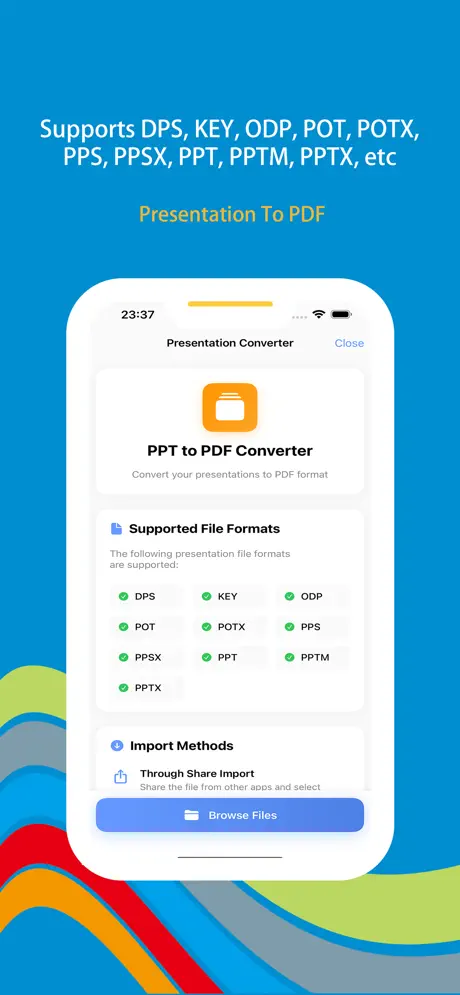
Convert presentation formats like KEY, PPT, PPTX to PDF while preserving style and formatting. Perfect for easy review, sharing, or printing without missing crucial moments.

Wonder PDF iOS app screenshot showing PDF converter interface with document and webpage conversion features
Wonder PDF screenshot 1 - PDF conversion dashboard with multiple format support and file selection
Wonder PDF screenshot 2 - Document to PDF conversion with layout and structure preservation
Wonder PDF screenshot 3 - Webpage to PDF conversion with full page capture and formatting
Wonder PDF screenshot 4 - Image to PDF conversion with quality and compression settings
Wonder PDF screenshot 5 - PDF management with merge, split, and sharing features

App Information

  • Version 3.2.1
  • Size 45.8 MB
  • Category Productivity
  • Compatibility iOS 15.0+
  • Languages 12 Languages
  • Age Rating 4+

Ratings & Reviews

See what users are saying about Wonder PDF

4.7
★★★★★
Based on loading... reviews
5
85%
4
10%
3
3%
2
1%
1
1%
TW
Thomas Wilson
6 days ago
★★★★★

Perfect for office document conversion!

As a business professional, I convert documents daily. Wonder PDF handles all formats flawlessly - Word, Excel, PowerPoint - everything converts perfectly with formatting preserved. The spreadsheet conversion is particularly impressive - tables and data structures remain intact. The multiple sharing options make collaboration seamless!

SM
Sophie Miller
1 week ago
★★★★★

Webpage to PDF is a lifesaver!

I'm a researcher and constantly need to save web articles for offline reading. The webpage to PDF feature is incredible - it preserves the entire layout, images, and text perfectly. No more broken links or lost content! The image to PDF feature is also great for organizing travel photos into PDF albums. Highly recommend for students and professionals!

BH
Benjamin Harris
2 weeks ago
★★★★★

Excellent file import and sharing options

The flexible file import is so convenient - I can import files from other apps or directly from my file system. The multiple sharing channels make it easy to send PDFs via email, messaging, or social media. The custom text conversion feature is perfect for quick note-taking. The interface is intuitive and conversion is fast. Great productivity tool!

Scan to Download

Wonder PDF iOS app download QR code - Scan to download powerful PDF converter app from App Store

Scan this QR code with your device to download the app