Wonder Apps Logo
Wonder Apps
Wonder DOC iOS app icon - Professional document conversion tool for PDFs, images, and documents

Wonder DOC - File Converter

Professional document conversion tool that effortlessly resolves document processing issues

★★★★★ 4.8 (loading...)
loading...
Productivity

About This App

Wonder DOC is a professional document conversion tool that effortlessly resolves document processing issues with its powerful features and intuitive operation, making document processing efficient and hassle-free.

Whether you need to convert PDFs to editable Word or Excel files, batch process multiple images into documents, or seamlessly import files from various sources, Wonder DOC provides flexible import options and smart conversion technology to meet all your document needs.
Key Features

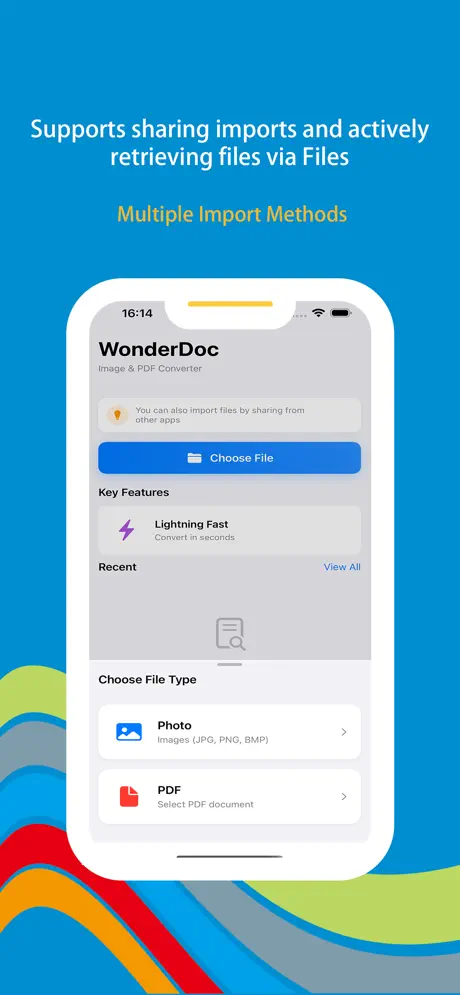
Diverse Import Options

Multiple flexible import methods including share feature and Files app integration for seamless workflow.

Batch Processing

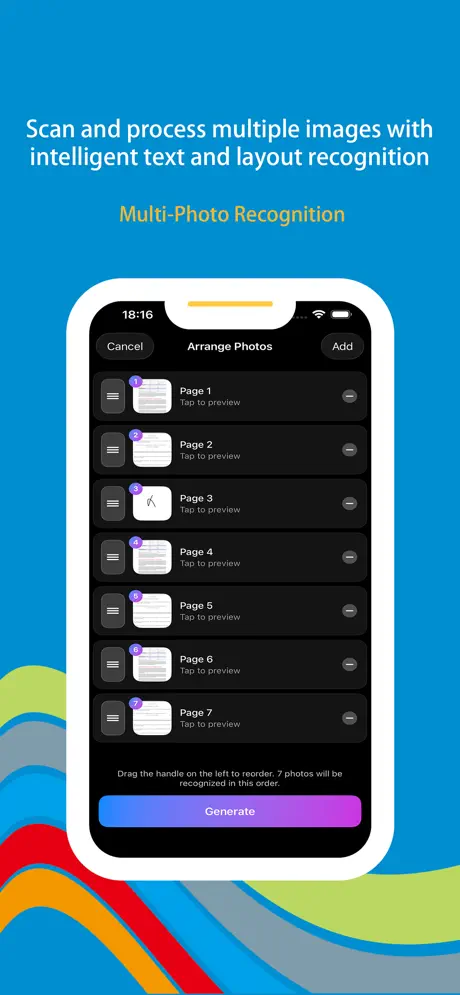
Process multiple images simultaneously with precise sorting capabilities to maintain document structure and quality.

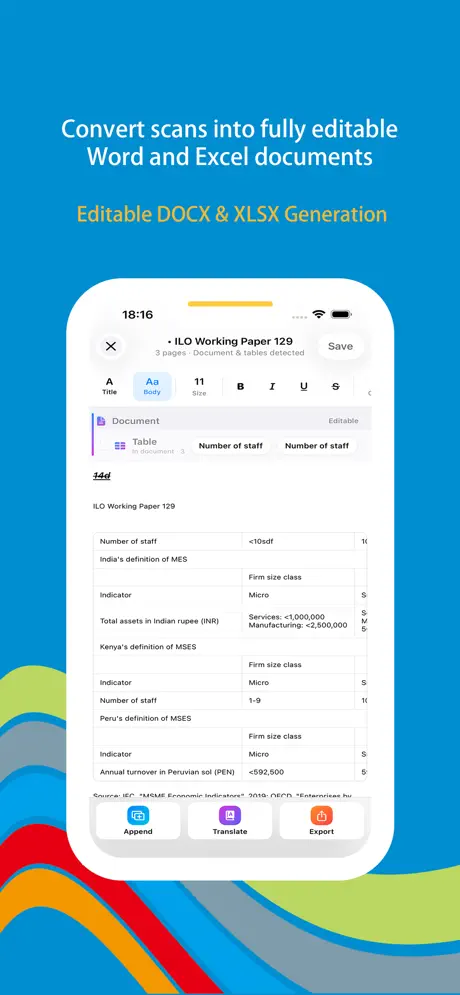
Smart PDF Conversion

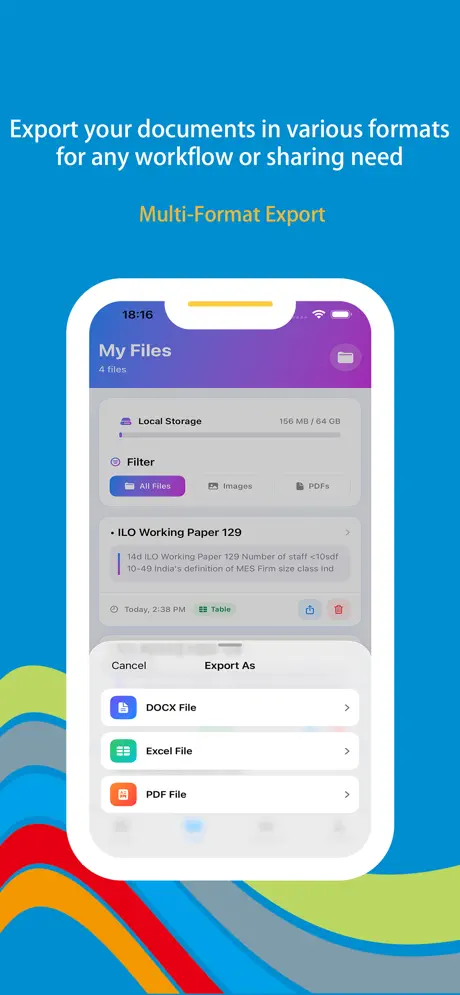
Convert PDFs to editable Word or Excel with high-precision algorithms that preserve text, tables, and formatting.

Image to PDF

Convert local images or photos directly into PDFs, with support for merging multiple images into single documents.

Webpage to PDF

One-click conversion of entire webpages to PDF, preserving layout, images, and text for offline viewing.

Easy Sharing

Share converted documents through email, social media, and messaging tools for seamless collaboration.

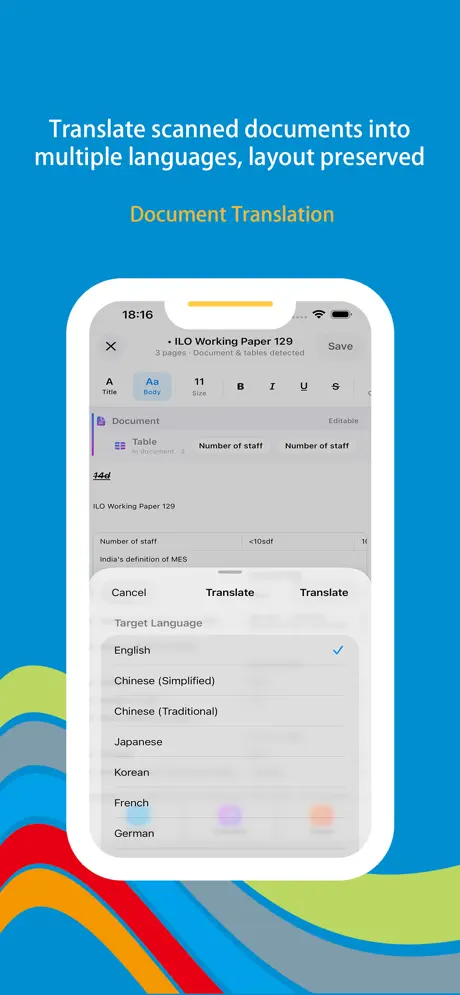
Wonder DOC iOS app screenshot showing document conversion interface with multiple format support
Wonder DOC screenshot 1 - Document conversion dashboard with format selection and file management
Wonder DOC screenshot 2 - PDF to image conversion with quality settings and page selection
Wonder DOC screenshot 3 - Image to PDF conversion with layout and compression options
Wonder DOC screenshot 4 - Document format conversion with batch processing features
Wonder DOC screenshot 5 - Conversion history and file sharing options

App Information

  • Version 2.4.3
  • Size 38.5 MB
  • Category Productivity
  • Compatibility iOS 15.0+
  • Languages 15 Languages
  • Age Rating 4+

Ratings & Reviews

See what users are saying about Wonder DOC

4.8
★★★★★
Based on loading... reviews
5
82%
4
12%
3
4%
2
1%
1
1%
DL
David Liu
3 days ago
★★★★★

Perfect for finance professionals!

As a financial analyst, I constantly need to convert PDF reports to Excel for data analysis. Wonder DOC's smart conversion technology is incredible - it perfectly preserves all table structures, formulas, and data formatting. The batch processing feature saves me hours every week. Highly recommended!

AM
Anna Martinez
1 week ago
★★★★★

Game-changer for document conversion

The diverse import options are amazing! I can import files directly from email or social media without downloading them first. Converting multiple travel photos into a single PDF document is so easy with the batch processing feature. The interface is intuitive and the conversion quality is excellent.

RW
Robert Wang
2 weeks ago
★★★★★

Best document converter I've used

I've tried many document conversion apps, but Wonder DOC stands out. The PDF to Word conversion maintains perfect formatting, and I love how I can reorder images before converting them to PDF. The webpage to PDF feature is also super useful for saving important articles. Worth every penny!

Scan to Download

Wonder DOC iOS app download QR code - Scan to download professional document conversion tool from App Store

Scan this QR code with your device to download the app