
Wonder Apps Logo
Wonder Apps
Wonder CAD iOS app icon - Professional CAD file management for architecture, engineering, and manufacturing

Wonder CAD - DWG FastView

Professional CAD file management for architecture, engineering, and manufacturing

★★★★★ 4.9 (loading...)
loading...
Productivity

About This App

Specifically designed for the architecture, engineering, and manufacturing industries, it provides end-to-end CAD file management services. Supporting multi-format drawing viewing, intelligent annotation, secure watermarking, and cross-team collaboration.

Empowers enterprises to enhance design efficiency and data security with professional-grade compatibility and intuitive design.
Key Features

High-Definition Viewing

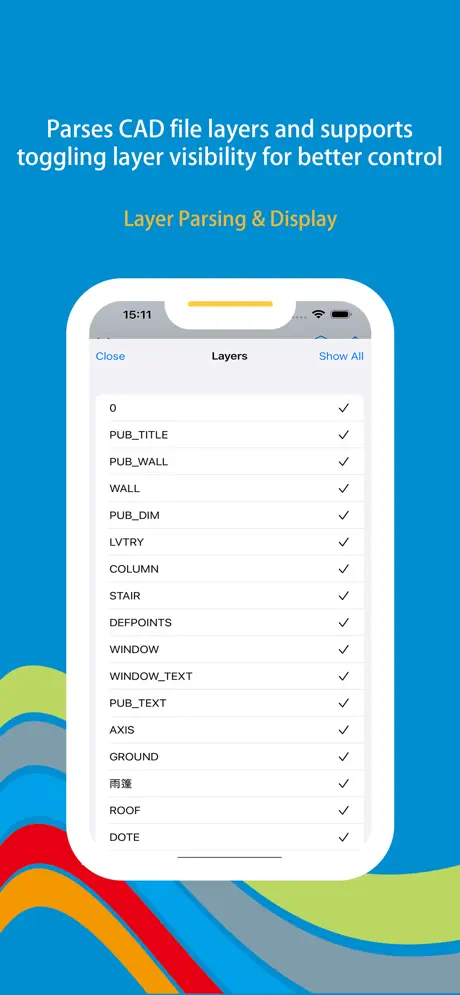
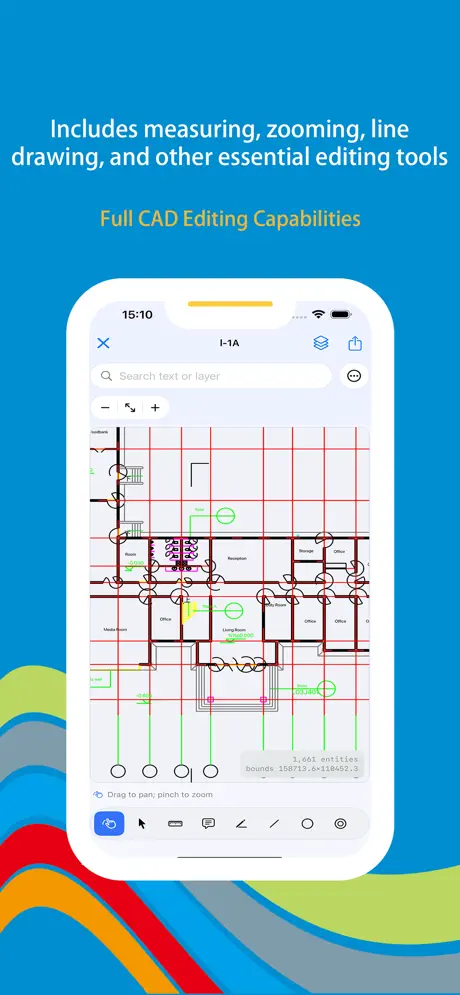
Smoothly zoom, pan, and rotate 2D/3D drawings to inspect every detail with precision. Intelligent layer management for focused content review.

Real-Time Markup & Annotation

Freely draw lines, arrows, rectangles, and add text notes to communicate design intent efficiently with multi-color markings.

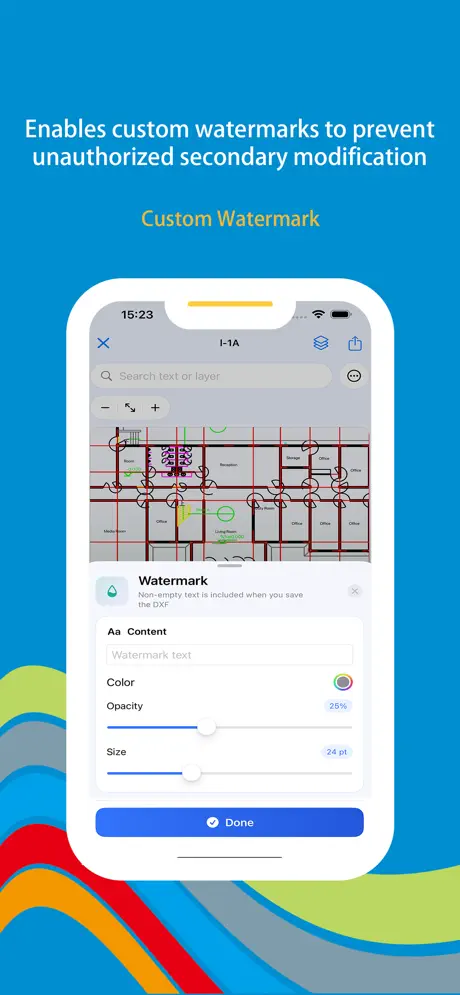
Custom Watermark Protection

Add text or image watermarks to prevent drawing leakage. Adjust transparency, position, and size for professional protection.

One-Click Sharing & Collaboration

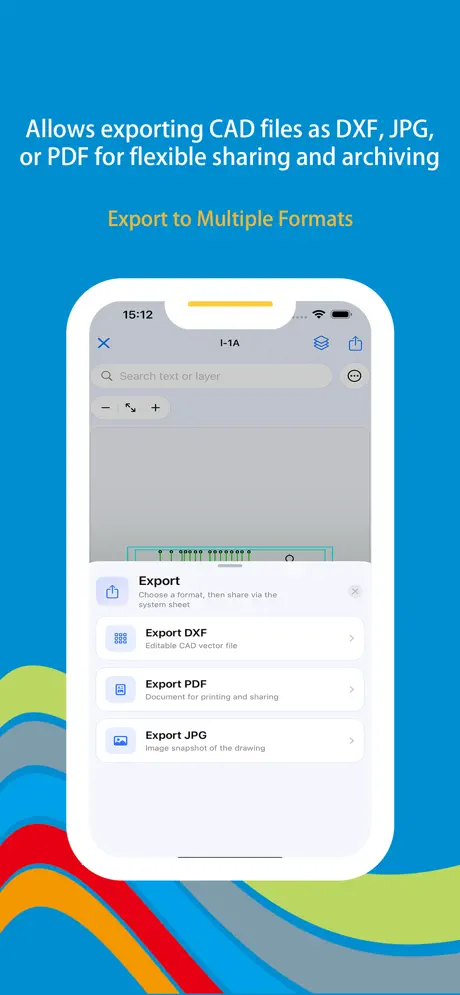
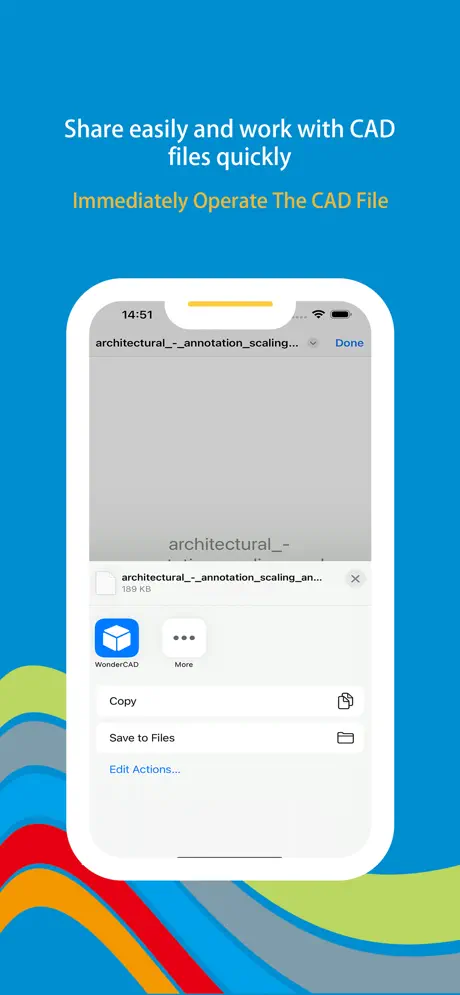
Generate public links or share directly to third-party platforms. Set view, download, and edit permissions for secure collaboration.

Professional Compatibility

Seamlessly supports AutoCAD, SolidWorks, and other mainstream formats with precise, error-free file parsing.

Measurement Tools

Instantly calculate distances and areas without manual unit conversion. Perfect for on-site inspections and design reviews.

Wonder CAD iOS app screenshot showing CAD file management interface with viewing and annotation tools
Wonder CAD screenshot 1 - CAD file browser with project management and file organization
Wonder CAD screenshot 2 - CAD drawing viewer with zoom, pan, and measurement tools
Wonder CAD screenshot 3 - Annotation tools for marking and commenting on CAD drawings
Wonder CAD screenshot 4 - Watermark and security features for protecting CAD files
Wonder CAD screenshot 5 - Collaboration features for sharing and working on CAD projects

App Information

  • Version 4.1.2
  • Size 52.4 MB
  • Category Productivity
  • Compatibility iOS 15.0+
  • Languages 18 Languages
  • Age Rating 4+

Ratings & Reviews

See what users are saying about Wonder CAD

4.9
★★★★★
Based on loading... reviews
5
82%
4
12%
3
4%
2
1%
1
1%
AT
Alex Thompson
4 days ago
★★★★★

Essential tool for architects!

Finally, I can edit CAD drawings directly on my iPad! The annotation feature is incredibly useful—client feedback is much clearer now. The watermark protection saved my designs during client presentations. The layer management makes it so easy to focus on specific elements. Highly recommend for any professional in architecture or engineering!

LS
Lisa Singh
1 week ago
★★★★★

Perfect for on-site inspections

As a project manager, I use this app daily for site inspections. The measurement tools are incredibly accurate, and I can quickly mark issues directly on drawings. The one-click sharing feature makes collaboration with my team seamless. The Metal graphics engine ensures smooth rendering even with complex 3D models. This app has transformed how I work!

JK
James Kim
2 weeks ago
★★★★★

Best CAD viewer for iOS

The watermark feature saved my designs. One-tap addition before sharing means no more worries about unauthorized use. The batch processing capability is a game-changer when handling multiple files. The interface is so intuitive—I mastered it in minutes. Perfect compatibility with AutoCAD and SolidWorks files. This is the professional CAD solution I've been waiting for!

Scan to Download

Wonder CAD iOS app download QR code - Scan to download professional CAD file management app from App Store

Scan this QR code with your device to download the app